Cromemco C-10
Classic Computer
This C-10 came in with a screen that showed nothing useful. At power-on there was just a tilted, rolling raster that never locked, and the keyboard gave a small click instead of the usual beep.
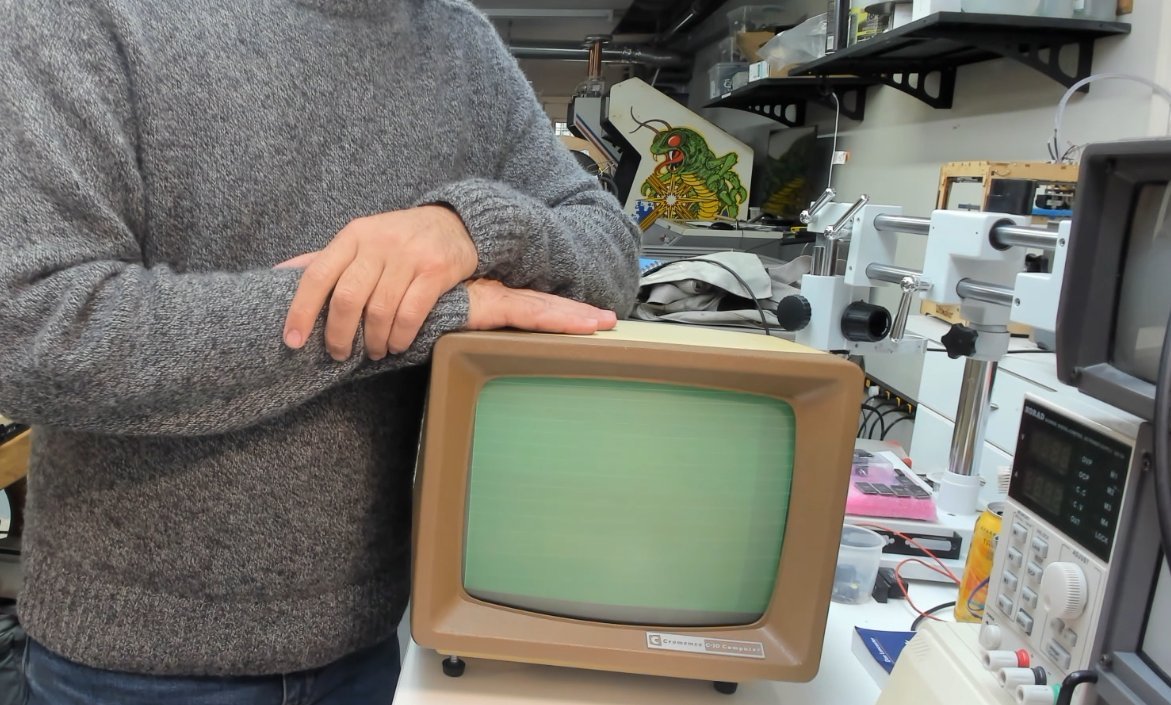
Photo 1: The C-10 as it came in: power on, a green raster, and nothing else on the screen
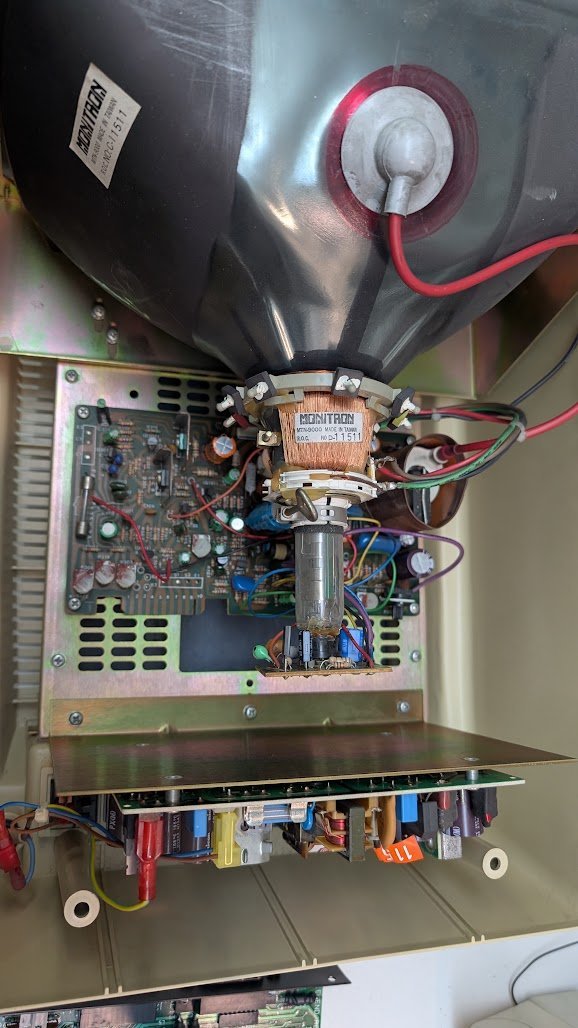
Photo 2: Inside the C-10: the Monitron CRT and monitor chassis, with the logic board tray below
First I had to work out whether the monitor or the logic board was to blame. I scoped the CRT connector (J5) on the logic board and found healthy signals: horizontal sync at 15.68 kHz on pin 6, vertical sync at 60 Hz on pin 9 and composite video on pin 8. A tweak of the monitor's horizontal hold brought the picture in, and that revealed a cursor in the top-left corner. But there was no text, and nothing happened when I typed.
The keyboard itself was fine. CTRL+SHIFT+C toggled the key click, so its own processor was alive, and I could see keystroke data reaching the receiver chip and the keyboard UART on the main board. The Z80 was running too. But the UART's select lines never moved, which meant the software never even tried to read the keyboard. Something was stopping the boot before it got that far.
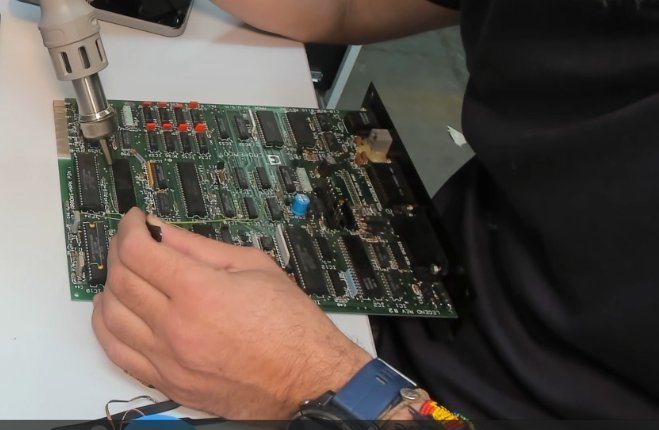
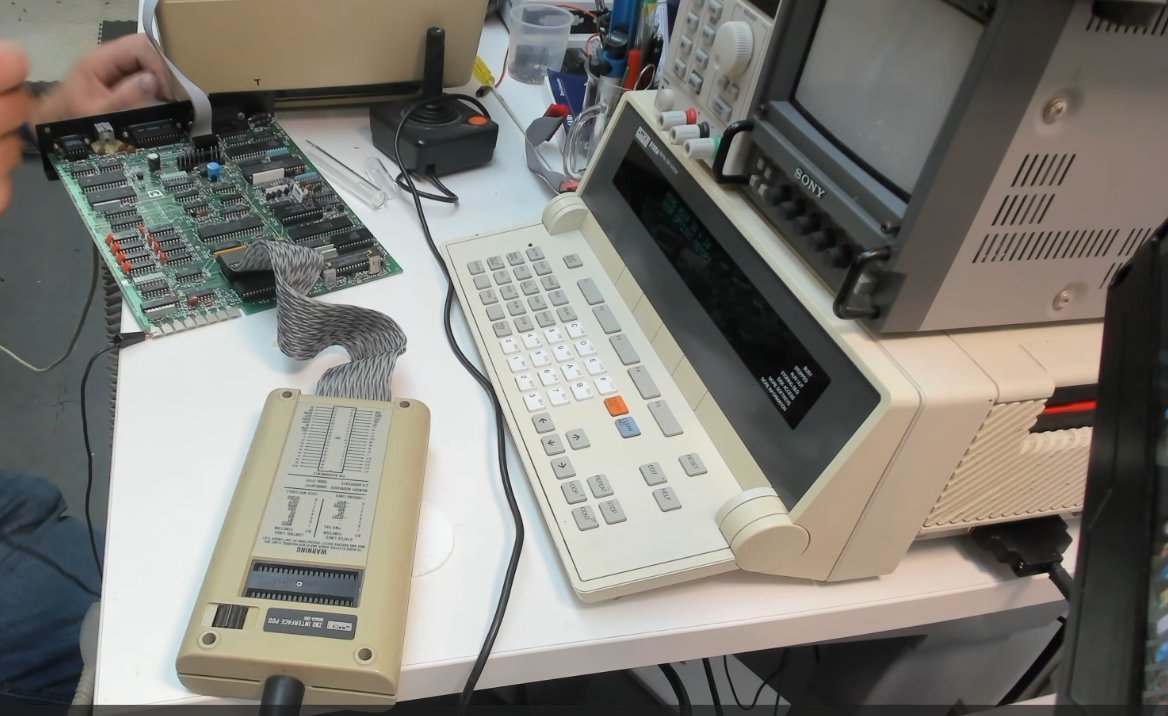
To test the core of the computer, I put a socket under the Z80 so I could plug in my Fluke 9100 tester. Its first complaint was "A12 tied high", and that one was my own doing: a solder bridge between two address pins that I'd made while fitting the socket. Once that was cleaned up, the ROM and RAM tests passed, and the keyboard UART answered fine when the Fluke poked it directly. I also read the boot ROM in a programmer, and its checksum matched the known-good image from MAME.
Photo 3: Desoldering the Z80 so it could go in a socket for the Fluke pod
Photo 4: The Fluke 9100A and its Z80 interface pod, cabled into the socket under the C-10's CPU
With the hardware testing good, I disassembled the boot ROM to see where it was getting stuck. That showed how tightly everything on the C-10 is tied together. The CRT controller, an Intel 8275 at IC8, raises an interrupt at the end of every frame, and that interrupt is what restarts the DMA that feeds characters to the screen. The keyboard is driven through the same interrupt system. A scope on the keyboard line agreed: the computer sent its first "reset keyboard" command and then never sent the next one.
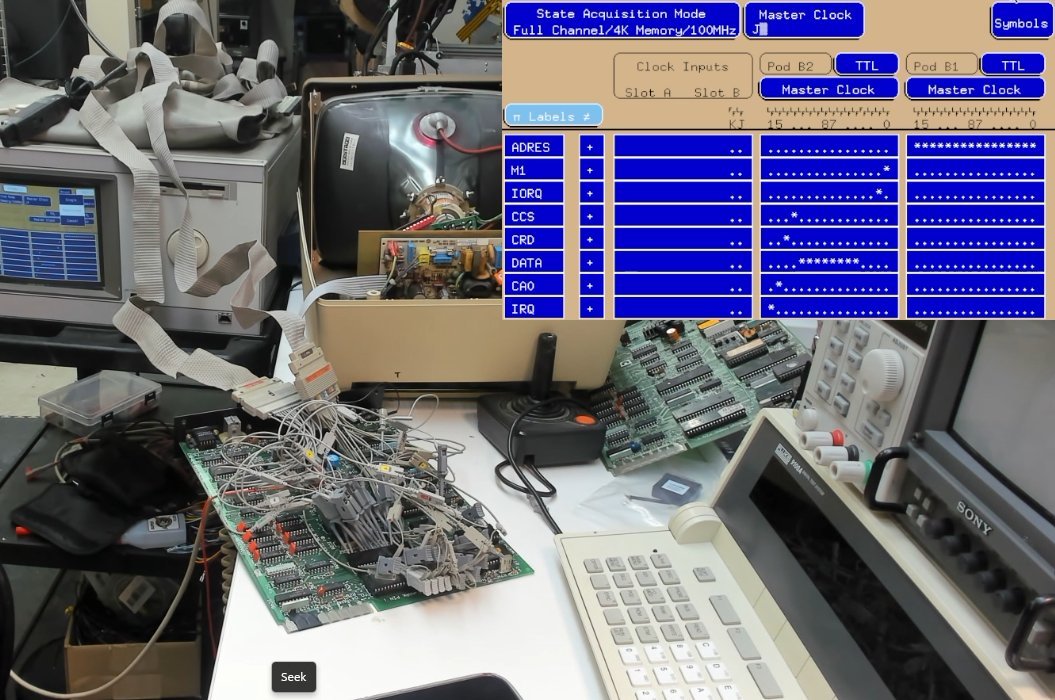
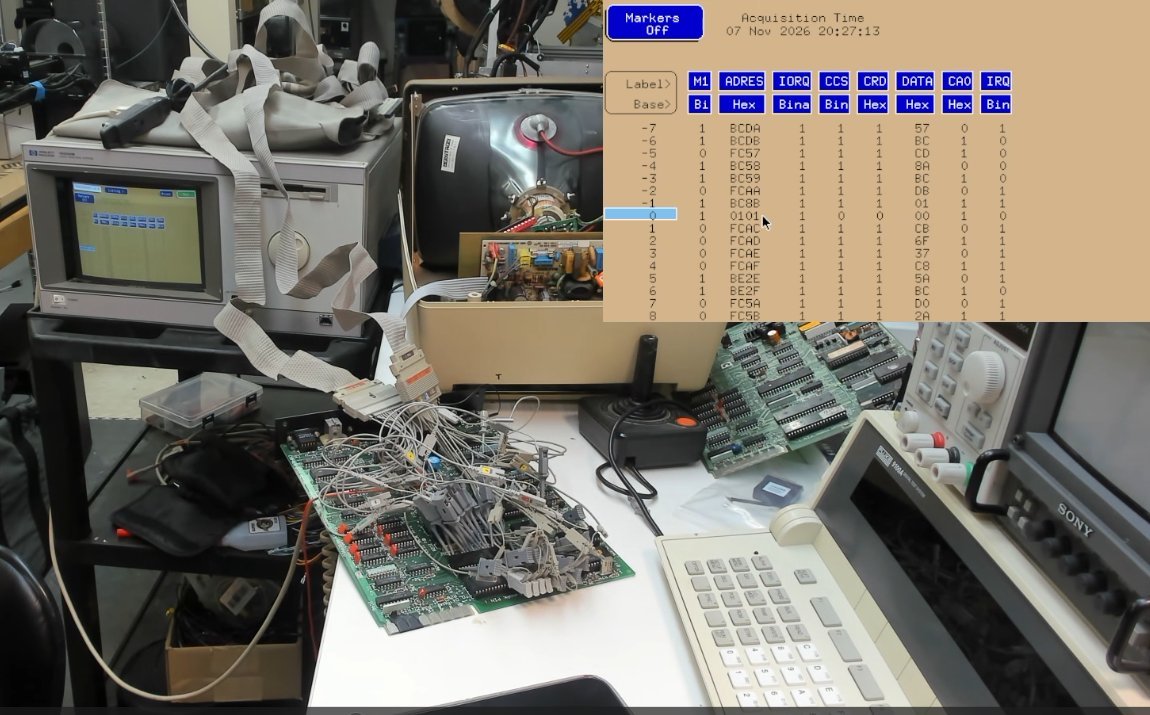
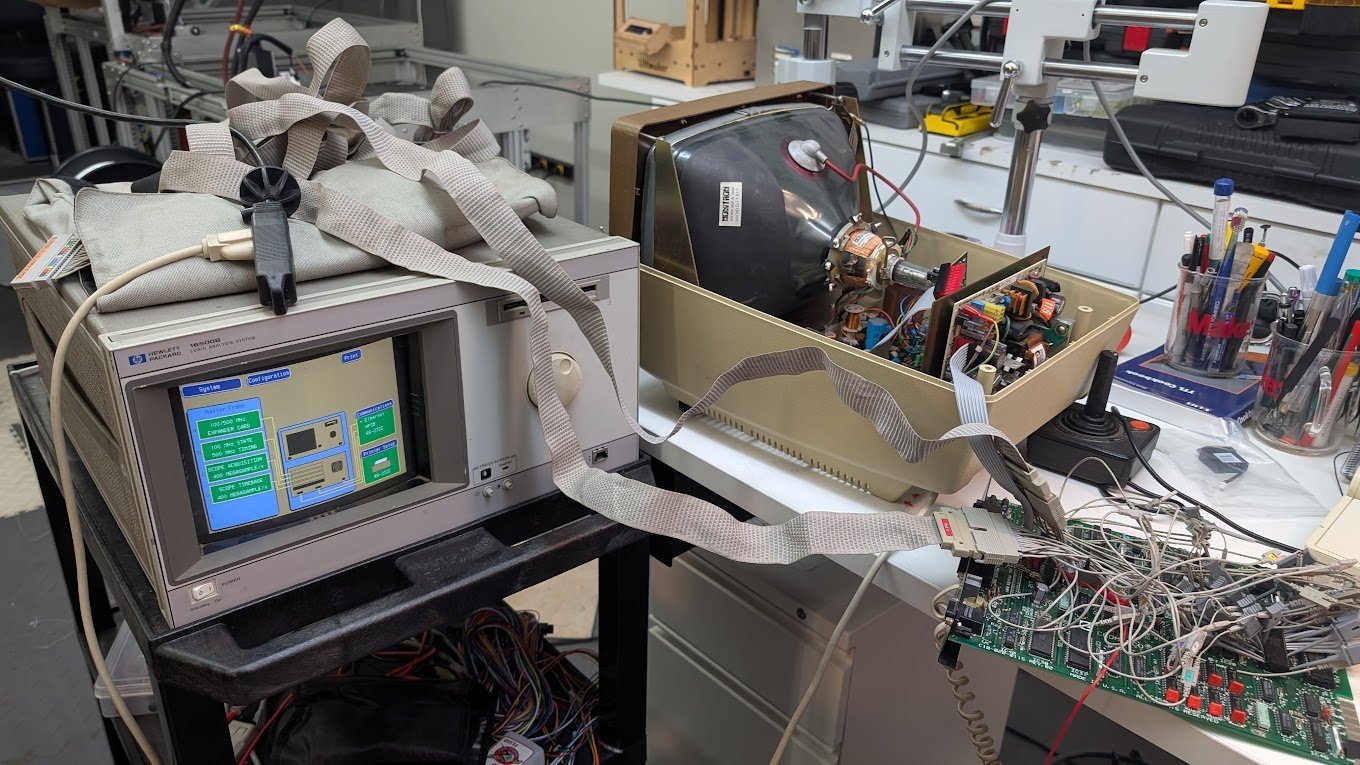
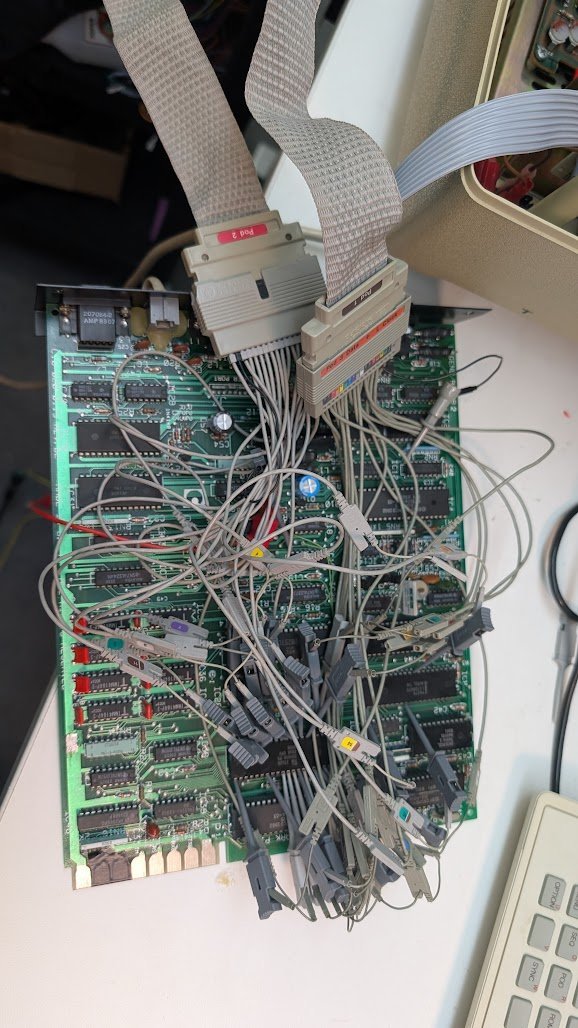
To see exactly what the CPU was doing, I hooked up my HP 16500B logic analyzer. The listing showed the Z80 going round and round the interrupt handler, reading the 8275's status register. The status always came back 00h. A working 8275 that has accepted the ROM's startup commands reports its display and interrupt as switched on, which gives at least 44h. So the chip had never switched either of them on, even though the ROM sends both commands at startup. The chip select, read strobe and address line into the 8275 all looked right, so the commands were reaching it. It was simply refusing them.
Photo 5: Setting up the analyzer: labels for the Z80 address bus, M1 and IORQ, plus the 8275's chip select, read, data, A0 and IRQ lines
Photo 6: The analyzer listing: the CPU reads the 8275 status at port 01h (the line marked 0) and gets back 00
Think of a conductor who never gives the downbeat. The orchestra is on stage and tuned up, but nobody starts playing. The sync circuits were running, so the screen looked half alive, but without the 8275's frame interrupt nothing else ever got going: no text on screen and no keyboard.
Photo 7: The HP 16500B on the bench, wired to the C-10 logic board
Photo 8: The logic board with both analyzer pods clipped onto the Z80 and the 8275
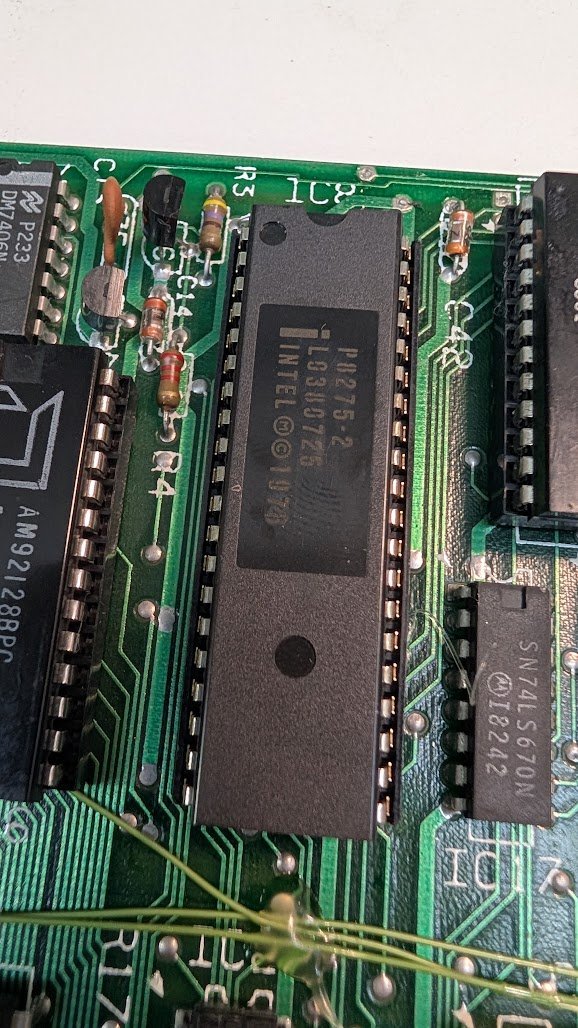
I desoldered IC8 and fitted a socket with a new Intel P8275-2. On power-up the C-10 booted with text on the screen and the keyboard working. The other suspects along the way (the 8257 DMA chip, the floppy controller, the UARTs, ROM and RAM) all turned out fine, so the 8275 was the only part replaced.
Photo 9: The new Intel P8275-2, now in a socket at IC8
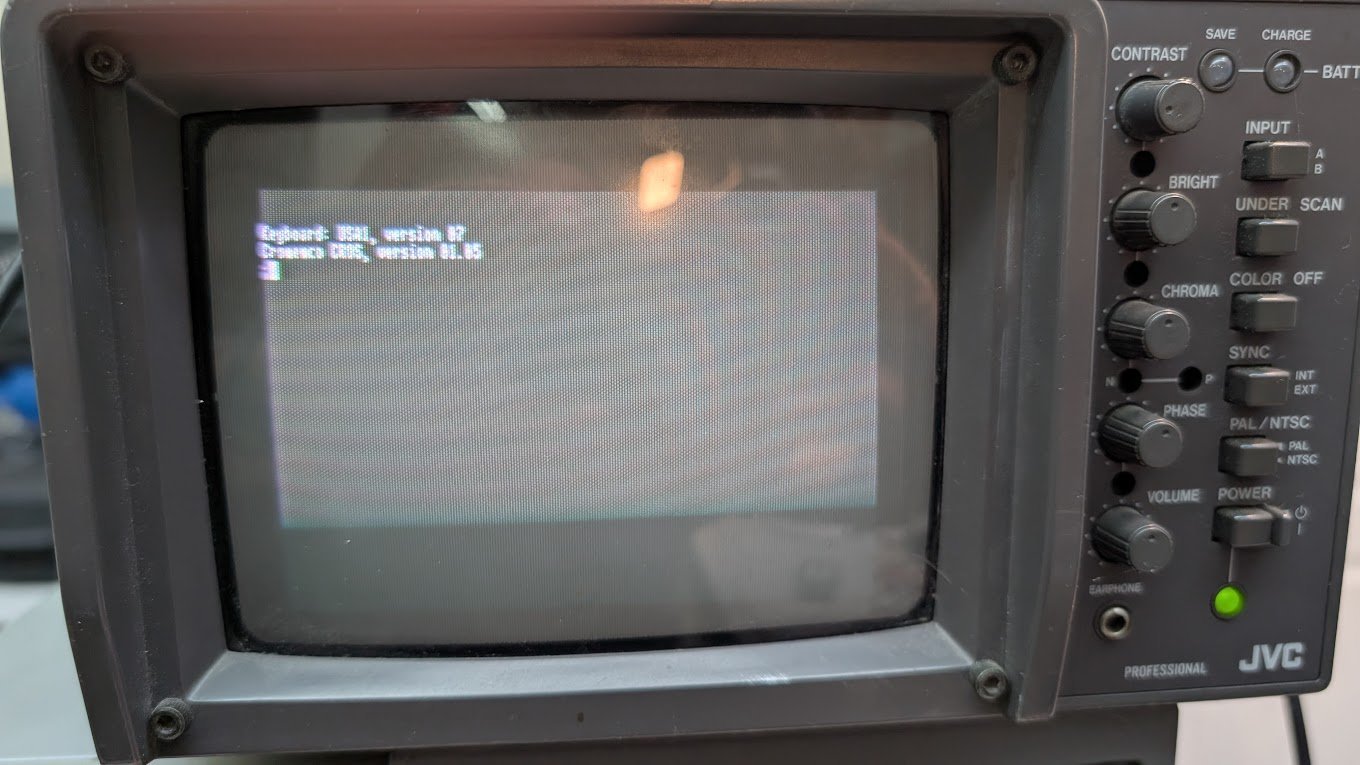
Photo 10: Back to life: the keyboard ID and the CROS sign-on, on a bench monitor